One
Install and open it
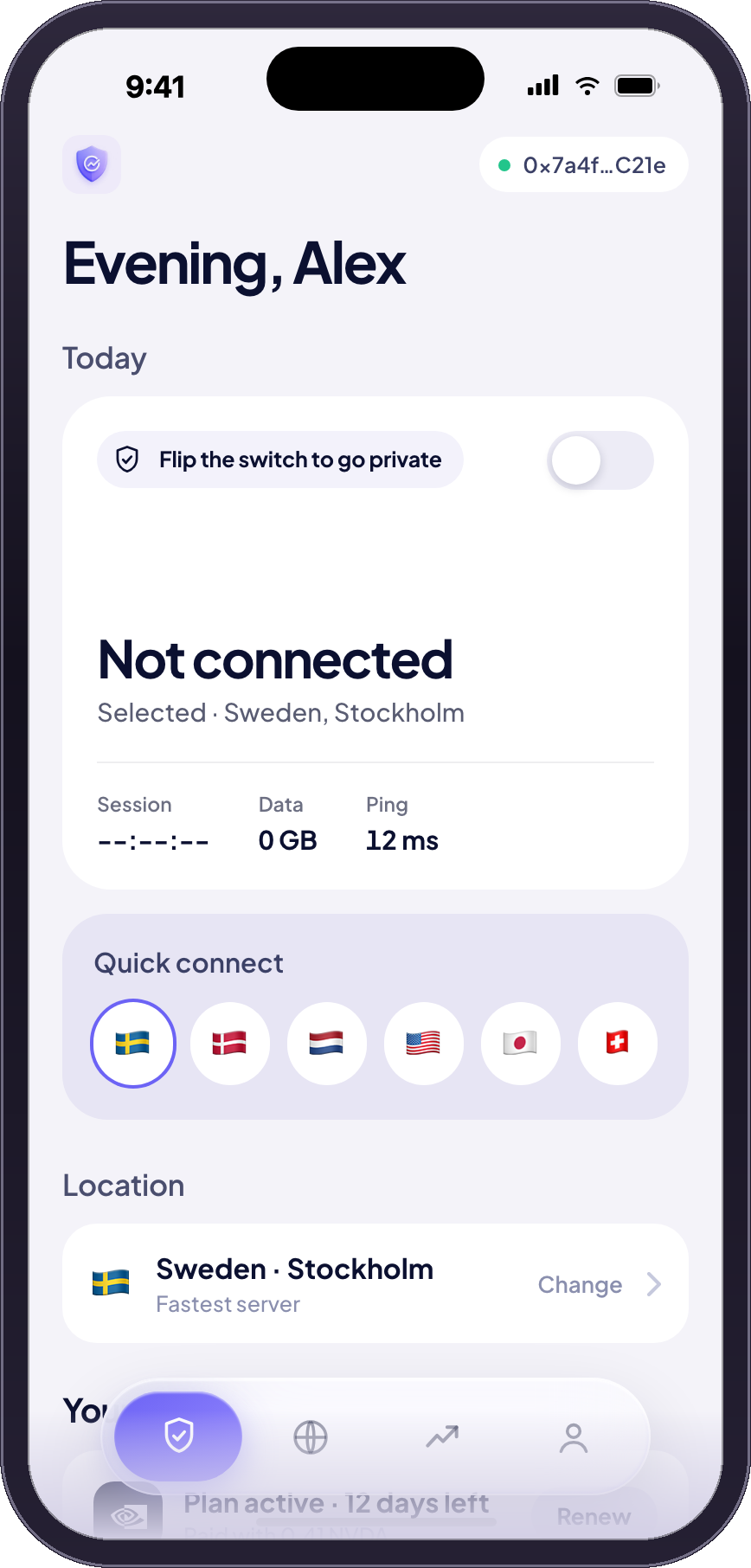
No account, no email, no password. The app makes itself a key on your phone, and that key is the only thing it ever has.
Robinhood Chain · tokenised equities
Your portfolio is the payment method.
Download for Android Learn more
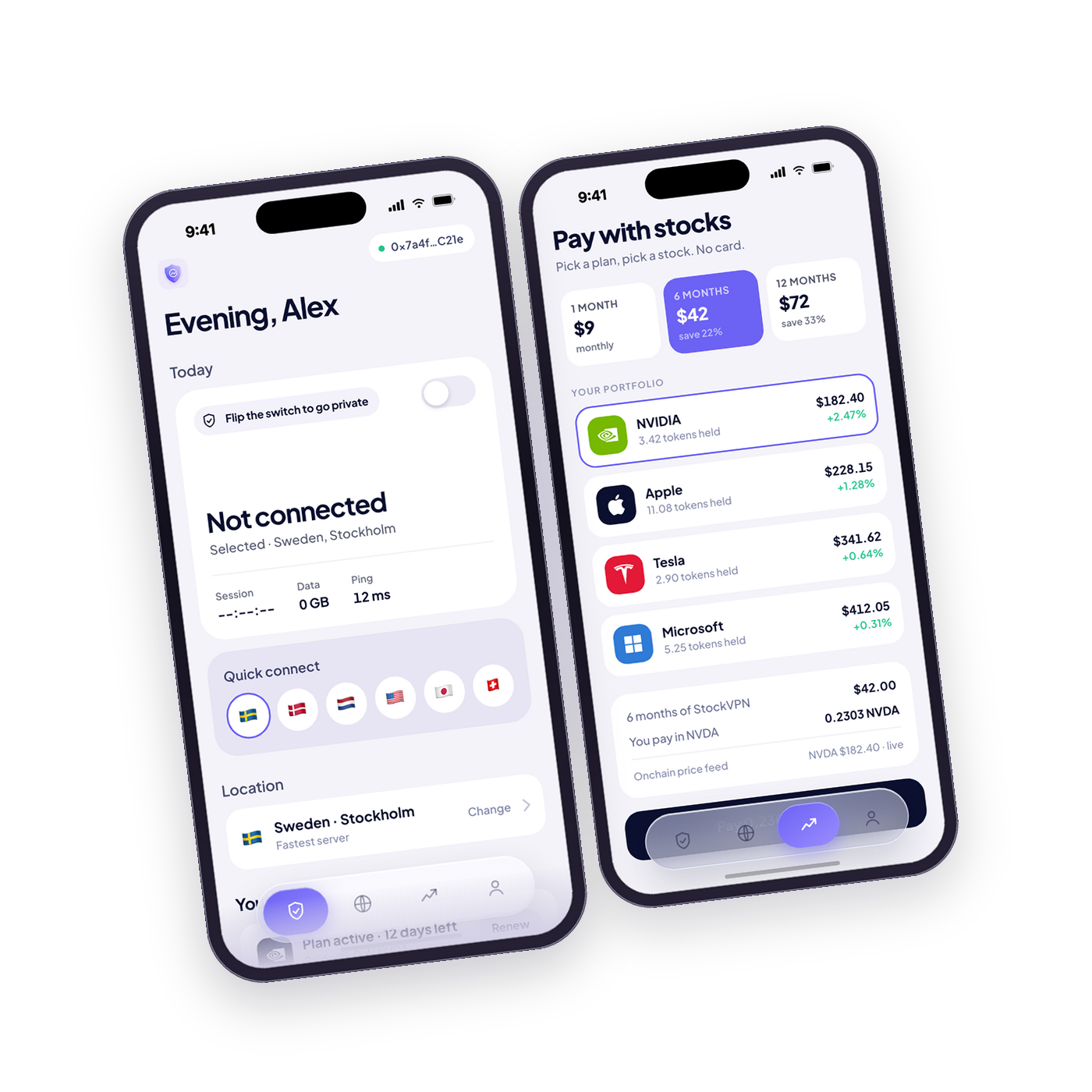
Three steps, and none of them involve an email address, a card, or a password you have to invent.
One
No account, no email, no password. The app makes itself a key on your phone, and that key is the only thing it ever has.
Two
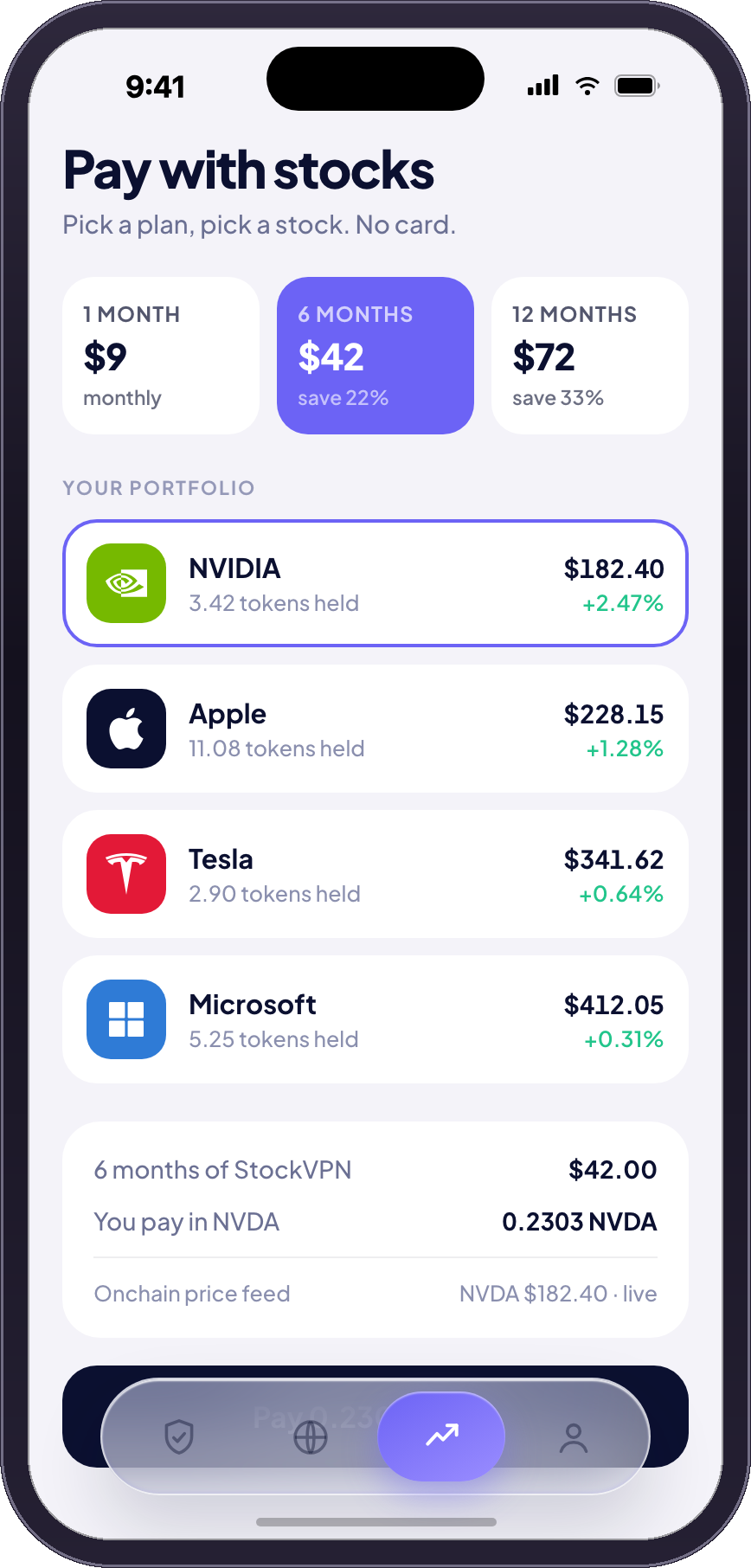
One, six or twelve months. Then choose which ticker pays for it, priced live against the plan before you sign.
Three
One ERC-20 transfer on Robinhood Chain. The subscription activates on confirmation, and the switch turns the tunnel on.
Pick a plan, pick a ticker. The amount is quoted in that stock at the live price — six months is 0.2303 NVDA, not a card charge.
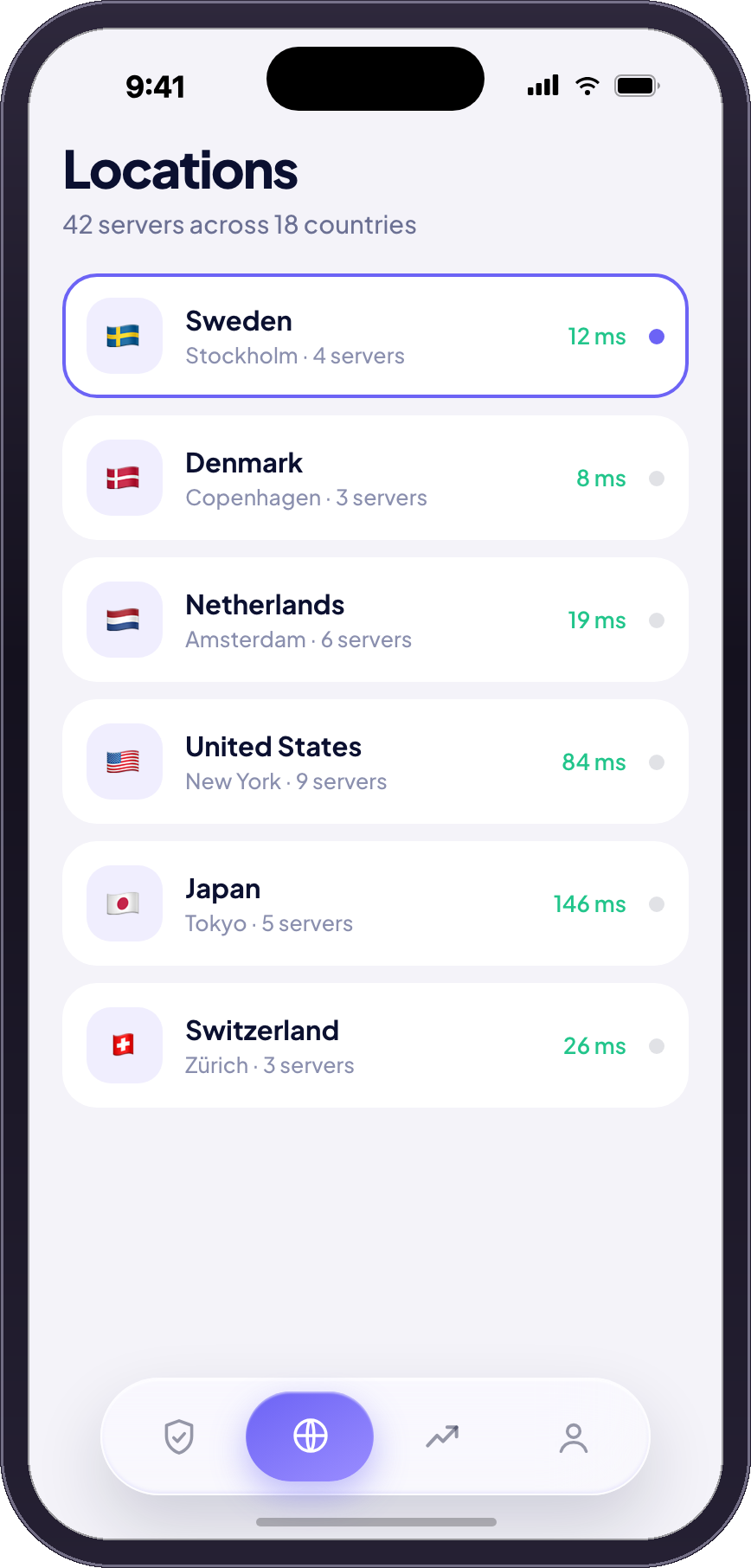
Every location listed with its real ping, sorted fastest first. WireGuard, a kill switch, split tunnelling — the ordinary things a VPN is supposed to have.
How it settles
No swap, no bridge, no stablecoin in between. The plan is priced in the ticker you chose, you send once, from anything, and the subscription starts the moment it lands.
Buying a VPN normally means giving a privacy company your name, your email and your card. None of that was ever the point.
Every other VPN
With StockVPN
There is no account record because there is no account. The only thing StockVPN knows is a payment on a public chain and a key your phone made.
You hold tokenised equities on Robinhood Chain — ordinary ERC-20 tokens tracking NVDA, AAPL, TSLA and others.
You pick a plan and a ticker. The app reads the live tape price, works out the fraction of a share the plan costs, and shows you an address and an exact amount as a QR code. Send it from any wallet. There is no swap, no bridge and no stablecoin in the middle.
Worth knowing: You are spending a slice of a position, not selling it. Six months costs 0.2303 NVDA — about a quarter of one share.
NVDA, AAPL, TSLA, META, AMZN, GOOGL, MSFT, COIN, SPY and QQQ. Each is priced live at checkout, so you see the exact amount before you sign.
No. There is no sign-up, no email and no password, and you never connect a wallet to us — you send a payment the way you would send it to anyone.
The last nine digits of the amount say which plan you bought and which device it was for, so the subscription can be rebuilt from the chain alone.
That a payment was made, which is public on the chain anyway, and a key your phone generated. No email, no name, no card, no browsing history.
The honest part: A payment on a public chain is visible forever. Anyone can see that an address paid StockVPN — nobody can see what you did with the connection.
It stops. Nothing renews, because there is no stored card and no allowance for us to draw on.
The dashboard shows exactly how much time is left. When you want more, you pay again — same flow, one transfer.
It is WireGuard. When your payment verifies, the app generates a device key in your browser, the server registers the public half, and hands you the tunnel — as a QR code on a phone, or a .conf file on a desktop. A web page cannot carry traffic itself, so this is the same handover every VPN dashboard does.
On a phone that is two taps: open WireGuard, scan the code, switch it on. The private key never leaves your device — the server only ever learns a public key and an address, and drops the peer the day the plan runs out, which is what makes the subscription actually end.
Not taking payments yet: No exit node is attached to this deployment, so the app will not let you pay — a transfer cannot be undone, and a plan with no tunnel behind it is worth nothing. The checkout opens by itself the moment a server is attached. The settlement address also needs pointing at a wallet somebody holds the key to.
Install the app, pick a plan, choose a ticker. The VPN turns on when the transfer lands.
42 servers18 countries10 tickers accepted